


PSO2 Closed Beta Sign up Guide
Part 1 If you already have a Sega ID for use on the JP server
1) Go to https://cha.isao.net/profile_oem/OEM...oduct_name=pso
Enter your username, password and the katakana captcha below.
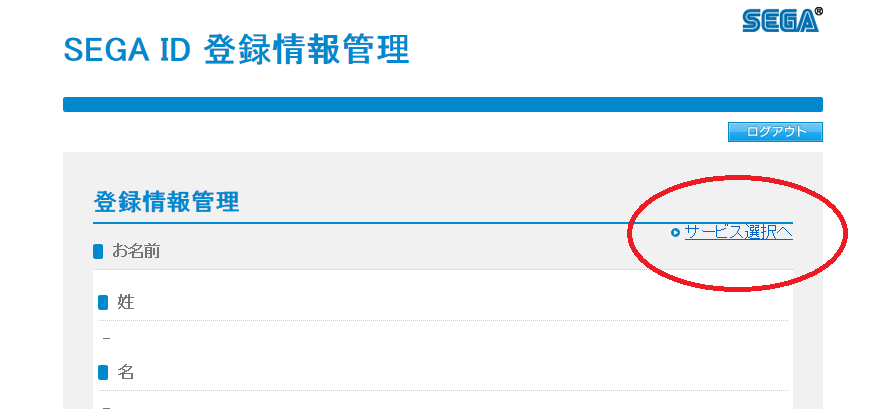
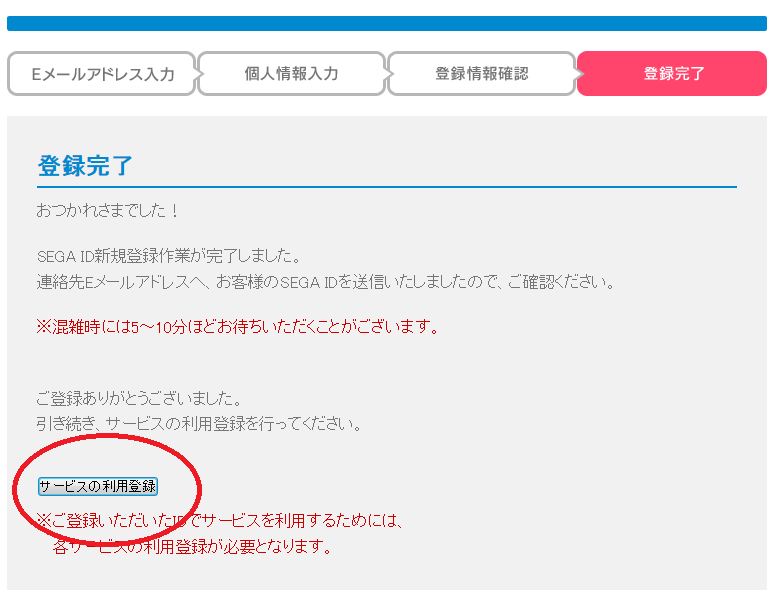
2) You will be taken to this screen.
Click on サービス選択へ
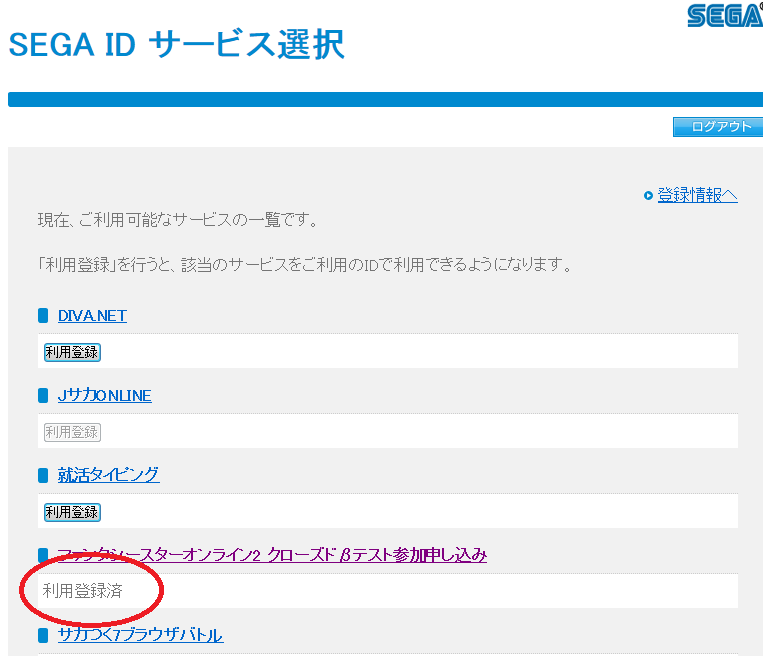
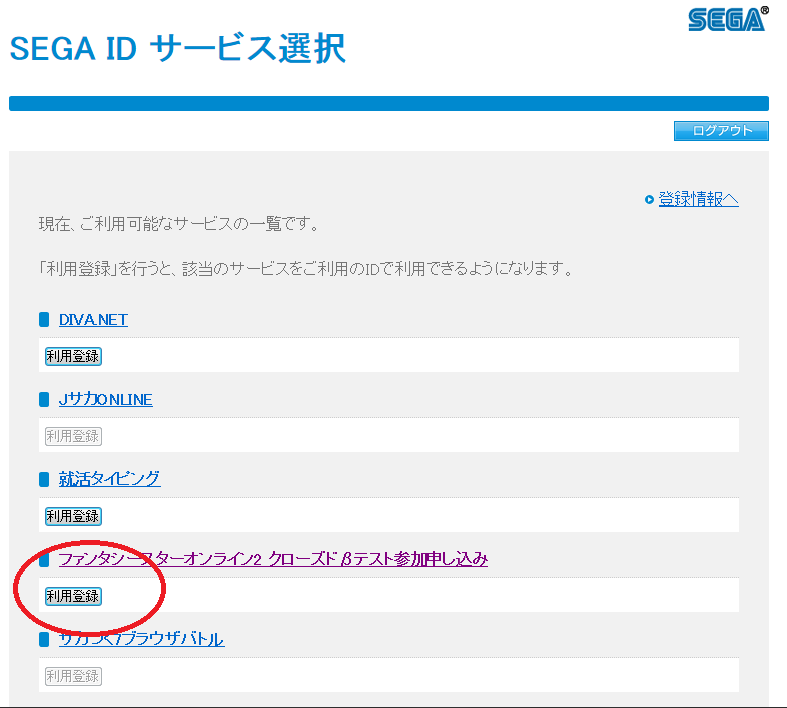
3) Next on this screen
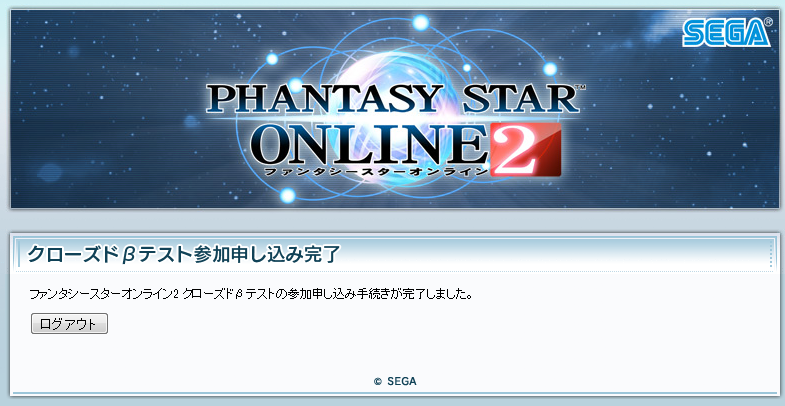
the fourth item down will be the application for the closed beta. There should be a button that says 利用登録 (note mine says, application complete). After clicking it a conformation screen should appear.


 Reply With Quote
 Glad it's late April, I was worried that it may cut into a different forum meetup-con type thing coming up in a couple days if it came sooner.

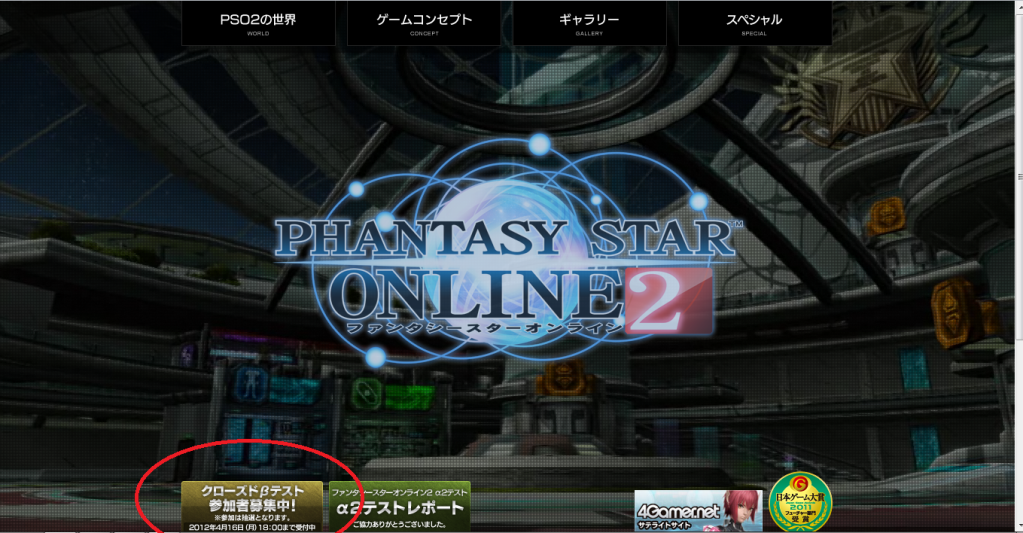


 After clicking it... there will be standard accept the terms and agreements screen. And then
 hmm
hmm
 Originally Posted by Rock Eastwood




 You're awesome.


Connect With Us